Post-trade-show email examples: thanks, quotes and follow-ups
Follow up on trade show conversations with a useful next step. Find short examples for requested information, quotes and a final reminder.
Contents
- Start by sorting conversations into three groups
- 1. Sending requested information
- 2. Writing to someone who requested a quote
- 3. When the need is not yet clear
- When should you send it?
- One short follow-up if there is no reply
- Following up on several conversations with uLemio
- A final check before sending
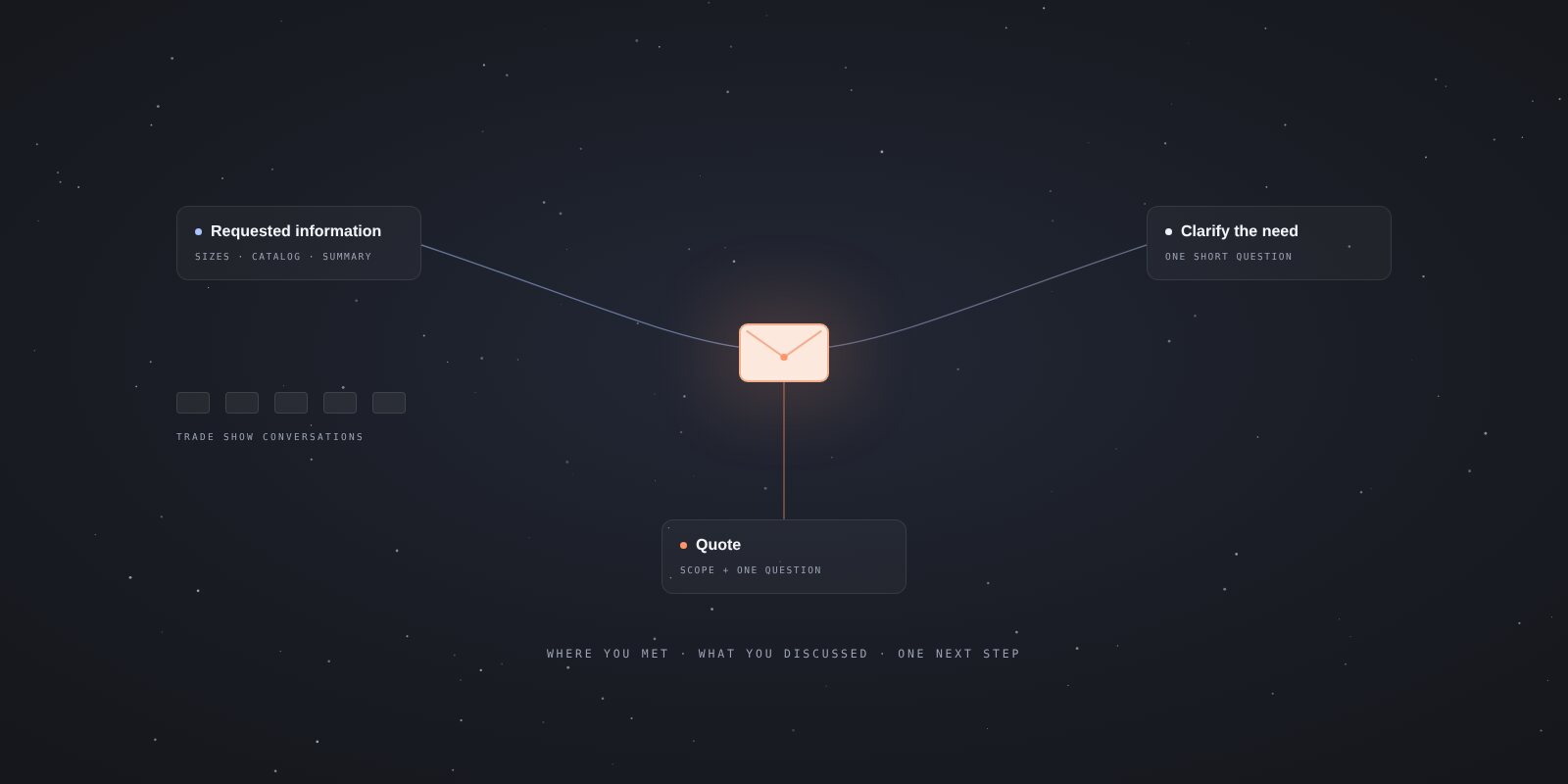
In a post-trade-show email, remind the person where you met, return to the topic you discussed, and suggest one next step. Rather than sending the same catalog to everyone, separate people who requested a quote from those you simply met.
Asking for a price and leaving a business card are not the same thing. Receiving a card does not mean you can add someone to a permanent marketing list. Before using these examples, check your right to contact the person and the scope of the conversation. For the general framework of consent and its exceptions under Turkish rules, see the Ministry of Trade’s explanation (in Turkish).
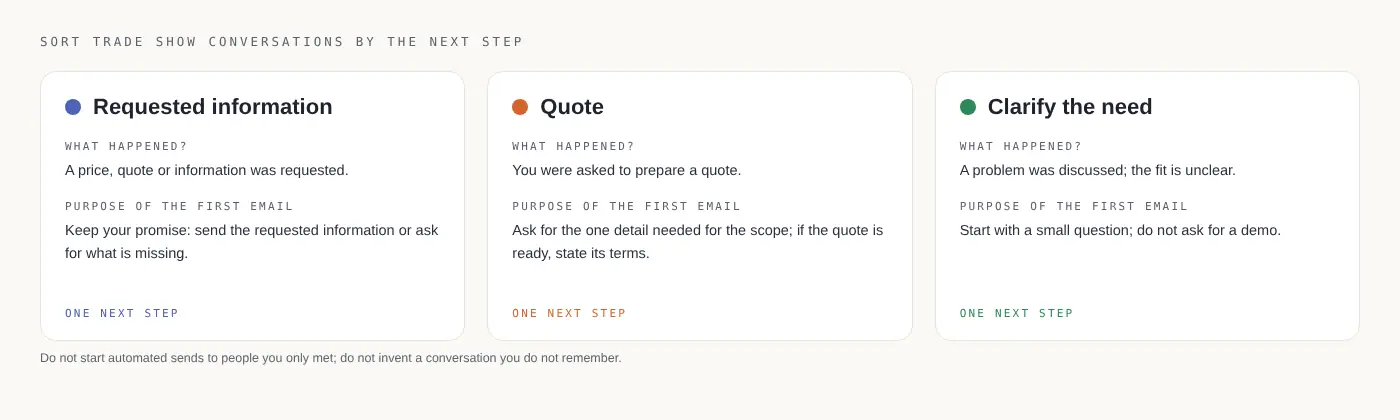
Start by sorting conversations into three groups
Before importing all the addresses after a show, answer this question: what is this person expecting from me?
| What happened in the conversation? | Purpose of the first email |
|---|---|
| They requested a price or quote for a specific product. | Send the requested information or ask for a missing detail. |
| You discussed a problem, but the solution’s fit is unclear. | Summarize the conversation and clarify the need. |
| You met without discussing a specific need. | Decide whether there is a suitable basis for further contact. |
You do not need to start an automated send to everyone in the third group. If you do not remember a conversation, do not invent a need or discussion. Only write “You showed a lot of interest at our stand” if that is what happened.
Add short notes about the topic, requested information and next step. “Will send dimensions for the packaging line” is more useful than just “hot prospect.” Keep the relevant permission evidence separately and appropriately, rather than treating a sales note as proof of consent.
1. Sending requested information
Suppose the person asked about a particular solution. The event, product and names below are illustrative; adapt them to your actual conversation.
Subject: The packaging solution we discussed at the trade show
Hi Deniz,
We spoke at the trade show on Tuesday about reducing packaging time on your small production line.
I have included the product overview you requested below, with the section on installation in a limited space highlighted.
If you can share the approximate dimensions of the available space, I can confirm the most suitable model.
Best regards, Ece
This email does not ask the person to arrange a meeting, complete a form and review a catalog at once. The next step is clear: share the dimensions.
Do not write “attached” unless the file is actually attached. If you use a link, check access in a signed-out browser window. Do not turn a confidential price list into a public link.
2. Writing to someone who requested a quote
Subject: Our trade show conversation — one detail for your quote
Hi Mert,
At the trade show, we discussed two setup options for your workshop. You asked me to prepare a quote.
To confirm the scope, I just need your approximate monthly production volume. Could you share that by replying to this email?
I will then send a side-by-side comparison of the two options.
Thank you, Ece
If the quote is ready, explain its scope, validity period and any open question instead of asking for more information. Briefly explain conditions affecting the price instead of hiding them in small print.
Avoid unsupported phrases such as “best price,” “last chance” or “exclusive to you.” The first email after a show should fulfill your promise and move the conversation forward.
3. When the need is not yet clear
This example assumes you discussed the topic and have an appropriate basis for continuing the conversation.
Subject: The stock tracking issue we discussed at the show
Hi Selin,
At the trade show, you mentioned how hard it has become to keep stock information up to date across two branches.
To understand whether our solution would fit, could I check one point: do the branches currently use the same software?
A short reply whenever convenient is enough.
Best regards, Ece
Instead of asking for an hour-long demo before understanding the problem, start with a small question. The personal part does not have to be long; it needs to recall a real detail accurately.
When should you send it?
Honor the time you promised first. If you said you would send pricing tomorrow, schedule accordingly. Otherwise, choose a reasonable time while the conversation is still easy to remember.
There is no universally best day for replies or mandatory waiting period. Consider the recipient’s time zone, their workload after the show and how urgently they need the information. This is a communication choice, not a performance guarantee.
One short follow-up if there is no reply
Subject: The packaging solution we discussed at the trade show
Hi Deniz,
Last week I sent the overview of the solution we discussed at the show. If you share the available dimensions, I can confirm the suitable model.
If this is not on your agenda right now, we can leave it here.
Best regards, Ece
A follow-up does not need to repeat the first email word for word. Restating the next step is enough. Do not invent urgency or send repeated “Did you see this?” messages because there has been no reply.
Stop automatic follow-ups after a negative reply, opt-out or notice that you have the wrong person. If they say “Let’s talk next month,” schedule around that request instead of continuing the existing automation. See the follow-up guide for more examples.
Following up on several conversations with uLemio
If you want to send separate emails from your own account after a show, uLemio helps organize the preparation. Upload a CSV or XLSX list, prepare your message and choose the sending days and hours.
You write the personal note about each conversation. uLemio does not generate it for you. Use the list preparation guide to organize the columns.
You can add up to two optional follow-ups. When a reply is detected, further follow-ups to that person stop; automatic replies count too. You may need to reconsider a conversation when someone returns from leave.
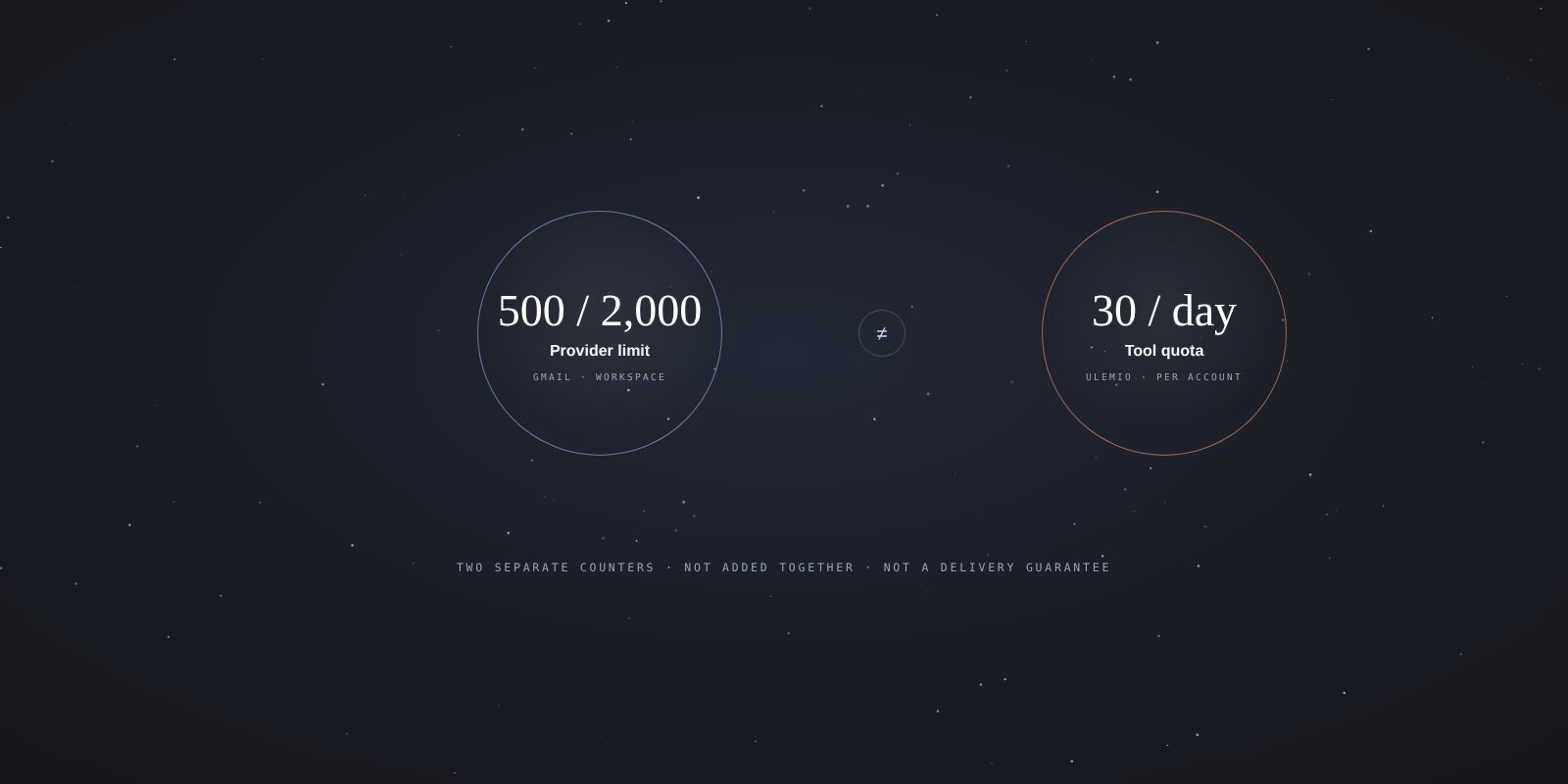
Each connected email account has a daily allowance of 30 emails, shared by initial messages and follow-ups. A sending tool does not establish permission to contact someone or guarantee inbox placement.
A final check before sending
- Are the name, company and conversation topic correct?
- Did the person request this information, and are the conditions for further marketing met?
- Does the email ask for one next step?
- Do files and links work for the recipient?
- Are the required sender details and opt-out method included?
- Do you know how follow-ups will stop after replies, opt-outs and invalid addresses?
Once these six questions are answered, start with a short message tied to the conversation rather than a long summary of the show.