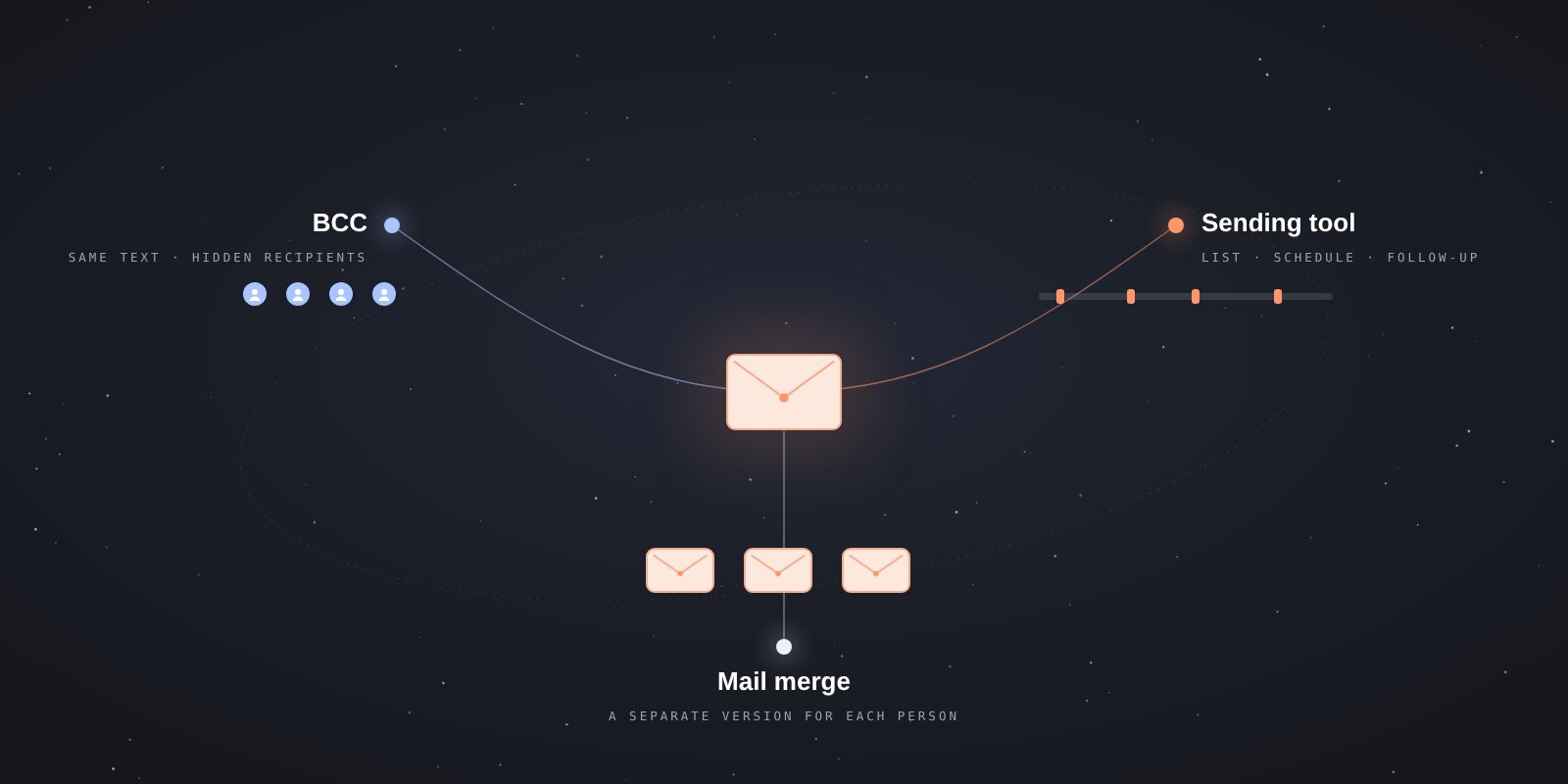
Free bulk email tools: a small contact list or a newsletter?
Compare uLemio, Hunter, Brevo, MailerLite and Gmail by what you need to send. Understand free plans, pilot access, trials and different quota types.
Contents
- Quick choice: what should you consider?
- What does “free” mean?
- Current free-access limits
- uLemio: prepare sending and follow-ups from your own list
- Hunter: consider contact research and sequences together
- Brevo: plan newsletters around a daily allowance
- MailerLite: plan around subscribers and monthly sending
- Could Gmail be enough without another tool?
- Try your own scenario before choosing
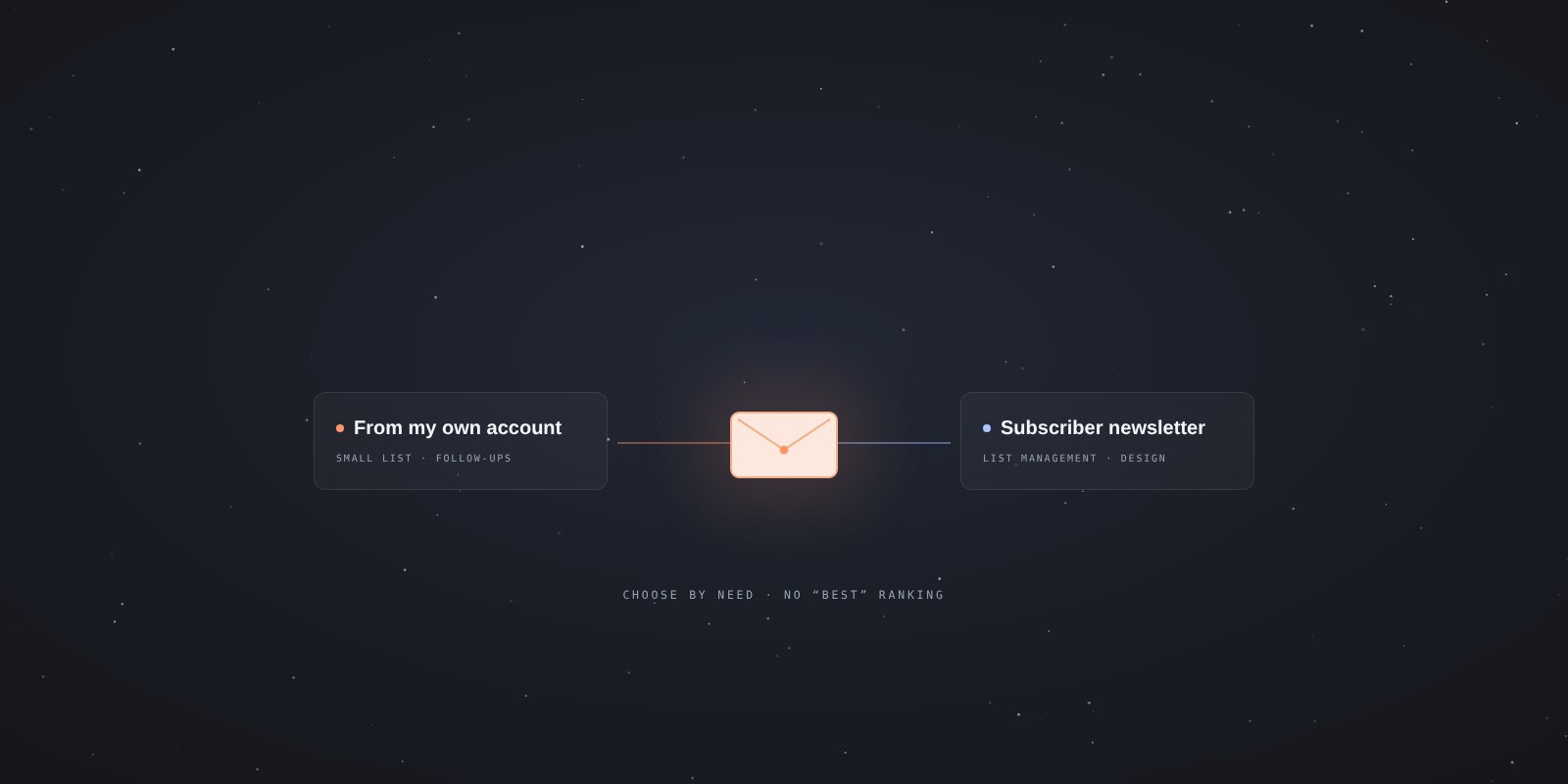
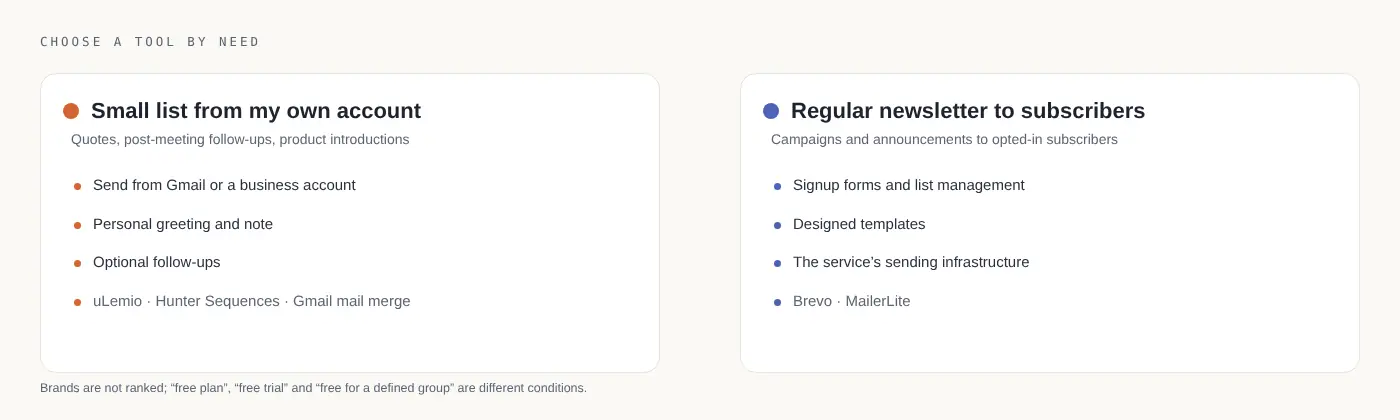
Choose a free bulk email tool around the task you need to complete. Sending separate emails from your Gmail or business account to a small list is different from publishing a regular newsletter to subscribers. Choosing only by the biggest quota can lead you to the wrong product.
Author’s note: I develop uLemio. It is included here using the same selection questions as the other options. Figures were checked against official product pages on October 31, 2026; this is not an end-to-end performance test of every tool.
Quick choice: what should you consider?
| Your task | Option to examine |
|---|---|
| Send the same short message once to a few people | Gmail BCC. |
| Write to a small list from your own account, with optional follow-ups | uLemio or Hunter Sequences with a suitable account and plan. |
| Send regular, designed newsletters to opted-in subscribers | A newsletter service such as Brevo or MailerLite. |
| Send personalized separate copies inside Gmail | Built-in mail merge on an eligible Workspace plan. |
These are not interchangeable in every situation. If you need a subscriber signup workflow, a simple tool that sends from your own account may not provide enough. Permission, list quality and opt-outs matter regardless of the tool.
What does “free” mean?
Separate three models:
- Free plan: A plan with defined limits. Provider terms can change over time.
- Free trial: Access to some paid features for a limited period. The same features may not stay free afterward.
- Free access for a defined group: For example, uLemio’s commitment to the first 100 accounts joining its pilot. This is not an unrestricted free plan for everyone who registers later.
A “Start free” button does not explain the model on its own. Read the plan table and what happens after the trial together.
Current free-access limits
| Option | Free scope checked |
|---|---|
| uLemio | The first 100 pilot accounts are free and stay free. Up to 4 connected email accounts, each with 30 emails per day. Initial emails and follow-ups share that quota. |
| Hunter | An ongoing Free plan with 50 tool credits per month, 1 connected email account and 500 recipients per sequence. Credits are not the same measure as emails sent. |
| Brevo | 300 email sends per day on Free. Unused daily capacity does not carry over. |
| MailerLite | Up to 250 subscribers and 2,500 emails per month on Free. |
| Gmail | The personal account’s sending limits apply. BCC is a recipient field, not extra sending capacity. Built-in mail merge requires an eligible Workspace plan. |
Sources: uLemio product information, Hunter Free plan, Brevo Free limits, MailerLite plans, Gmail mail merge eligibility.
“500 recipients,” “300 sends” and “250 subscribers” do not mean the same thing. Sequence capacity, daily sending volume and stored subscribers measure different limits.
uLemio: prepare sending and follow-ups from your own list
uLemio is a tool for small businesses and independent workers whose main job is not email marketing. It does not find contacts. Upload your own CSV or XLSX list, prepare the message and choose a sending schedule. The interface is available in Turkish and English.
It works with Gmail, Google Workspace, Yandex and supported SMTP/IMAP accounts. Outlook.com, Hotmail and Microsoft 365 email accounts are not currently supported.
You can add up to two optional follow-ups. Once a reply is detected, further follow-ups to that person stop. The app can insert a personal note you have written; it does not research people and generate personalized copy on its own.
Consider it for sending quotes or meeting follow-ups from your own account to a small list. For thousands of newsletter subscribers, advanced HTML design, sales management or open tracking, you may need another service.
Hunter: consider contact research and sequences together
Hunter’s Free plan combines finding and verifying addresses with Sequences. It does not include SMTP/IMAP account connections, so do not assume you can connect any hosting account. Check whether your account type is supported. Hunter Free scope
The main choice here is whether you only need sending or also need contact research. Address finding may reduce the need for a separate research tool. But finding or verifying an address does not establish permission to send marketing email.
Read the credit rules carefully. Treating “50 monthly credits” as “50 emails a month” makes the comparison misleading.
Brevo: plan newsletters around a daily allowance
Brevo’s Free plan has no time limit. Free emails include Brevo branding. Do not assume a campaign larger than the daily capacity will reach everyone at once; official help describes requeuing remaining recipients. Free plan details
Instead of connecting your Gmail account for individual correspondence, you use the newsletter service’s sending infrastructure. Include sender-domain authentication and subscriber preparation in your plan.
For example, if an announcement needs to reach all subscribers on one day, compare the list size with daily capacity in advance. Importing the list and being able to send it all today are different outcomes.
MailerLite: plan around subscribers and monthly sending
MailerLite’s free plan includes campaigns, forms and limited automation. Read its paid-feature trial separately from the ongoing Free plan. MailerLite plans
For growing an opted-in subscriber list and publishing regularly, consider forms, subscription management and newsletter editing together. The question is not only how many emails you can send, but how many subscribers you can manage and under which conditions.
For instance, four newsletters a month to 200 subscribers mean 800 sends, assuming one email per subscriber for each newsletter. That is a planning calculation; other automation and extra emails add to your total.
Could Gmail be enough without another tool?
For a one-off message to a few people, BCC may be enough. Check the address fields carefully; do not paste a private contact list into the visible To or Cc fields.
For personalized copies, check whether your account includes mail merge. Using Gmail does not necessarily mean you have access to that feature. Compare the methods in the Gmail guide.
Try your own scenario before choosing
Use a few addresses you control to test the list, message and opt-out process. Think beyond the first email: what happens after a reply, how will an opt-out be applied to other sends, and how will sending resume after a quota is reached?
Compare tools using those questions. A larger quota does not automatically make a product more suitable, and no free plan guarantees delivery, replies or sales.