Email sending and follow-up guides.
Practical guides to prepare your contacts, choose a sending method and follow up on unanswered emails. Start below whether you use Gmail or Outlook, keep your list in a spreadsheet, or want to introduce a new product.
01·Where to start
In suggested order-
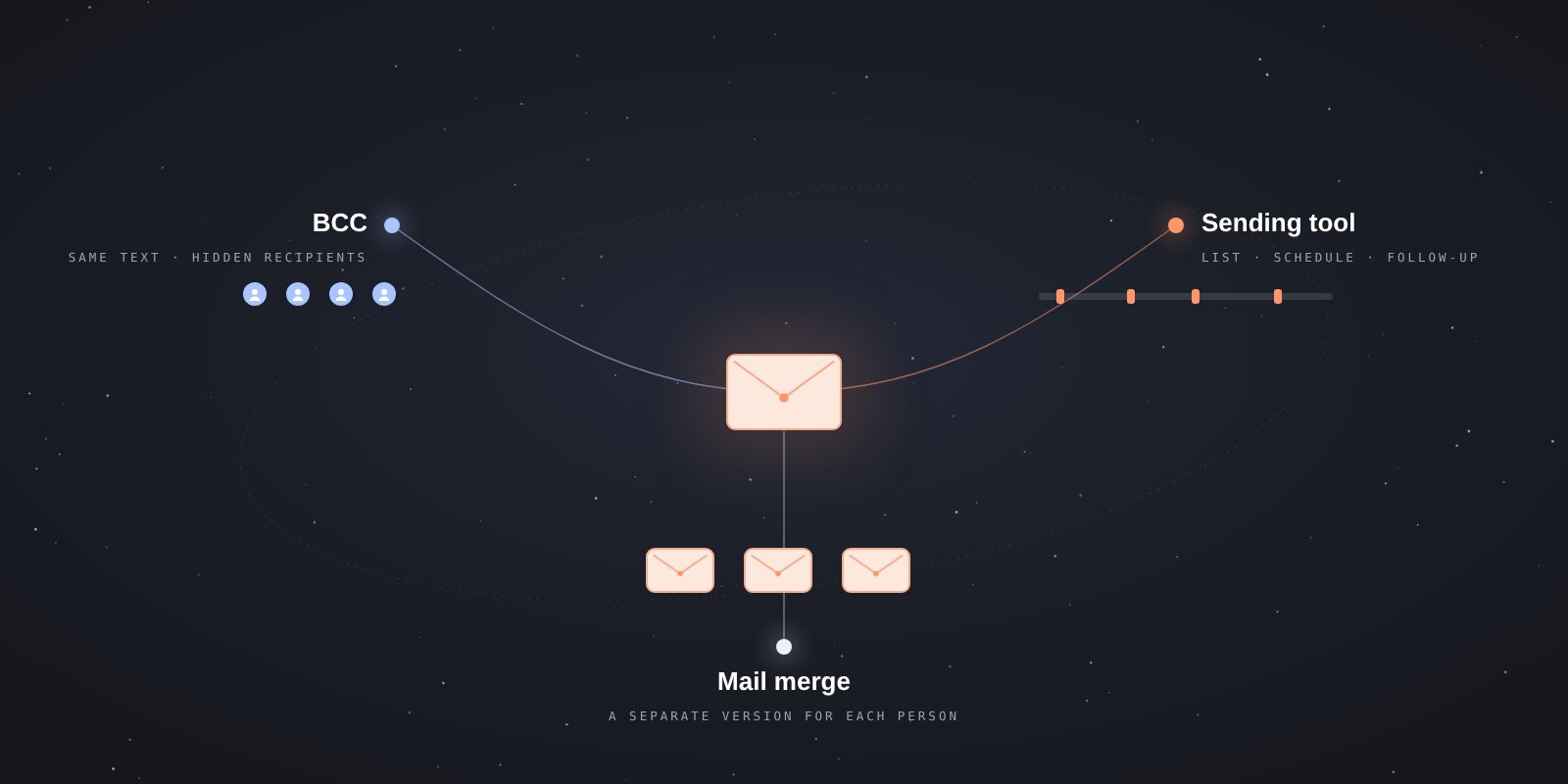
How to send bulk email with Gmail
Compare Gmail BCC, mail merge and scheduled sending. Choose a method for your small contact list and check personalization, limits and follow-ups.
-
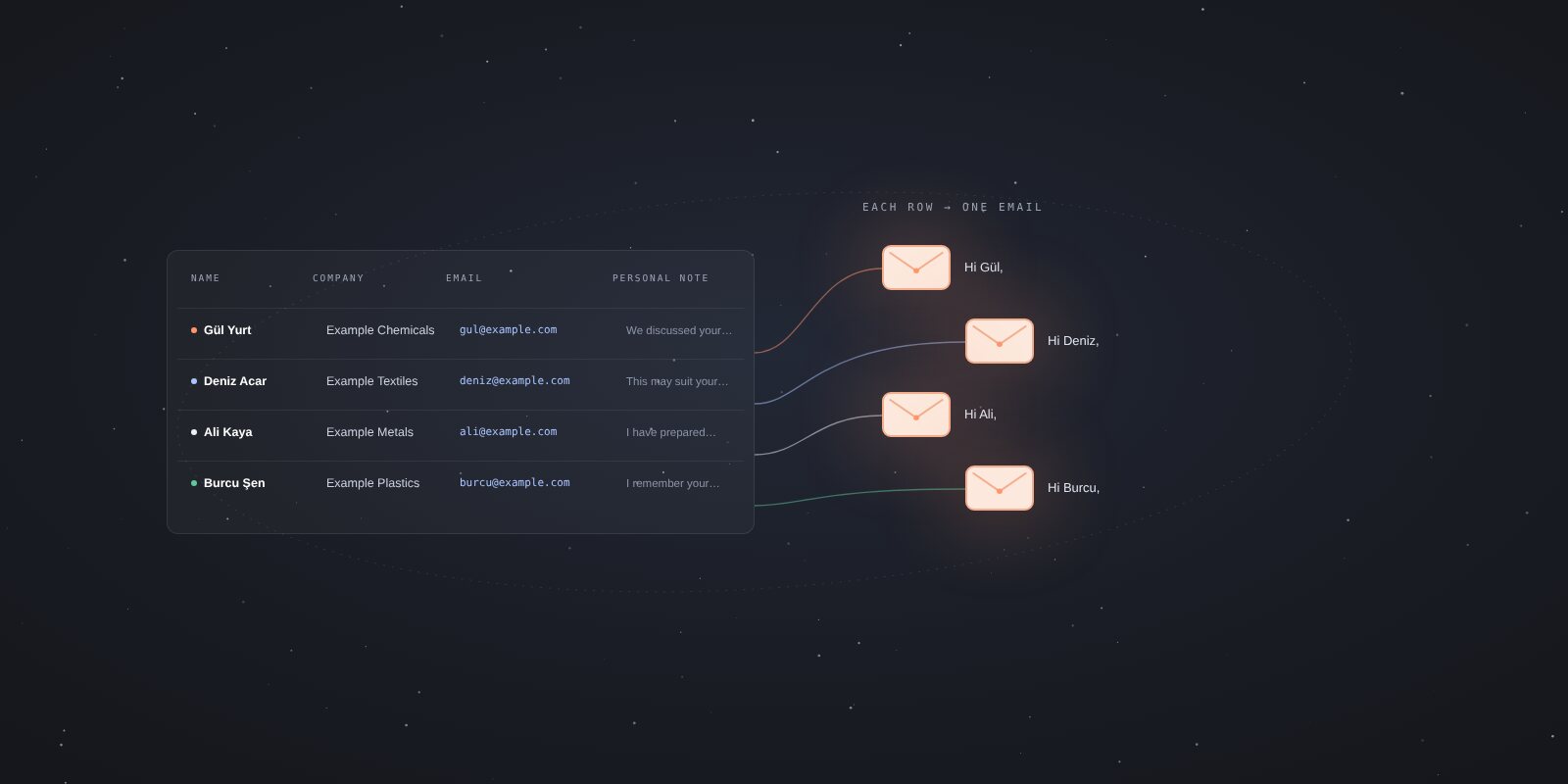
Send personalized emails from an Excel spreadsheet
Prepare your contact spreadsheet, match name and company columns, and use personal notes to create a separate email for each recipient.
-
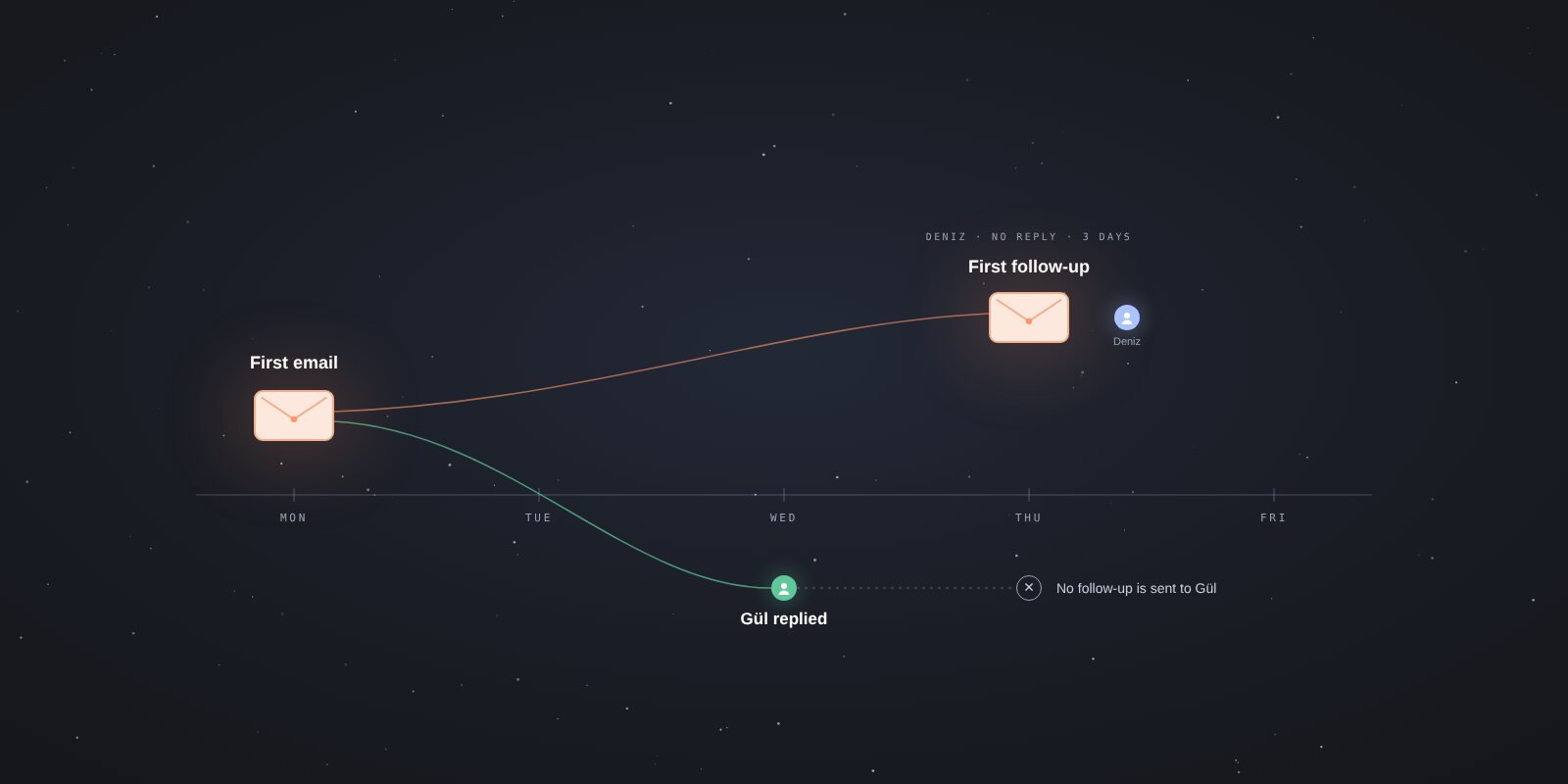
How to write a follow-up email: 6 short examples
Write a short follow-up after a quote, meeting or product introduction. Use six examples, ask for one next step and decide when to stop.
-

Introduce your new product to potential customers by email
Identify relevant people for your new product or SaaS, write a short introduction and plan your follow-ups. Start with sample messages and a list structure.
-
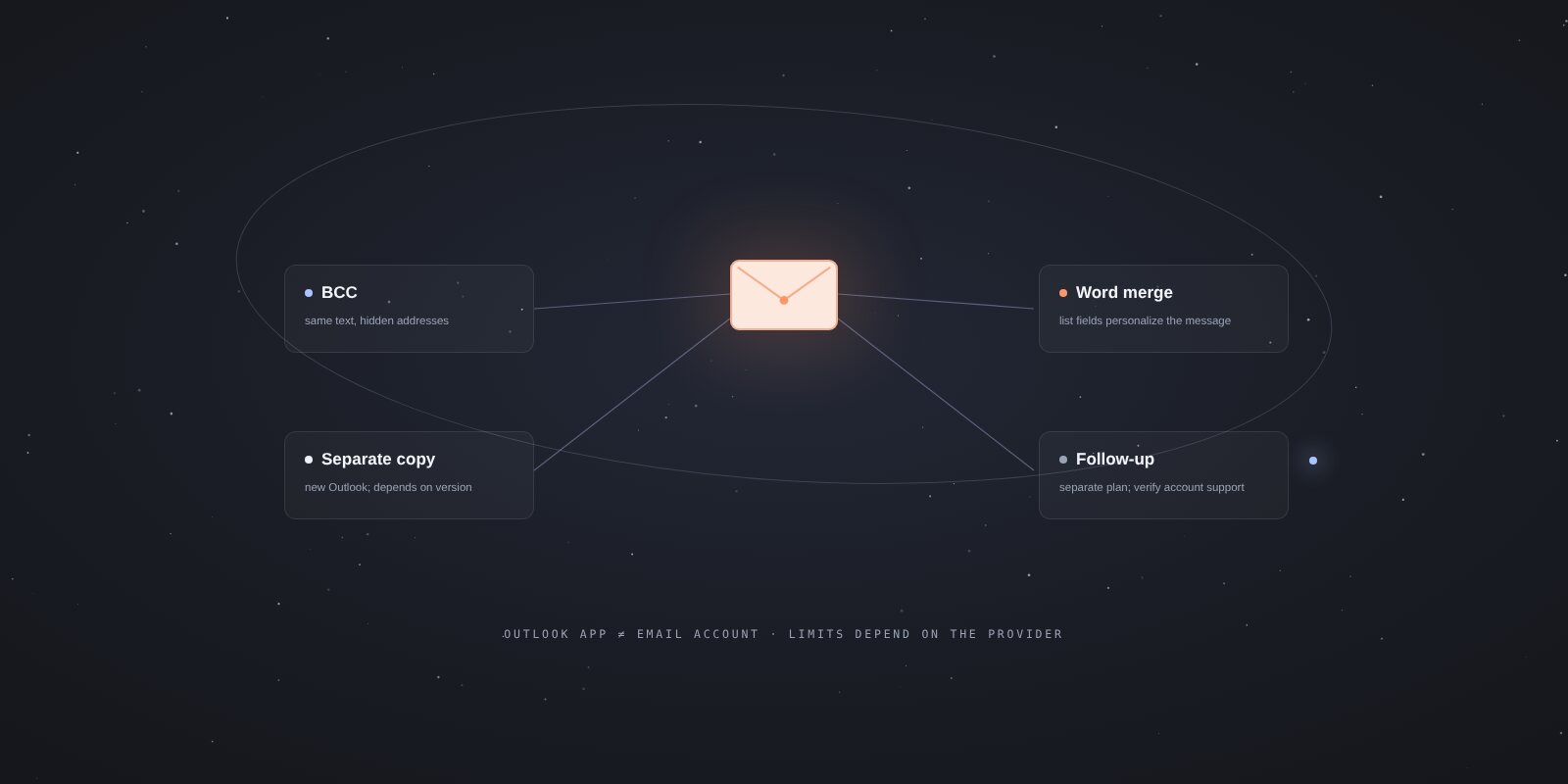
How to send bulk email with Outlook
Compare BCC, separate copies in new Outlook, and personalized mail merge with Word and classic Outlook. Check the version and account you use.
-
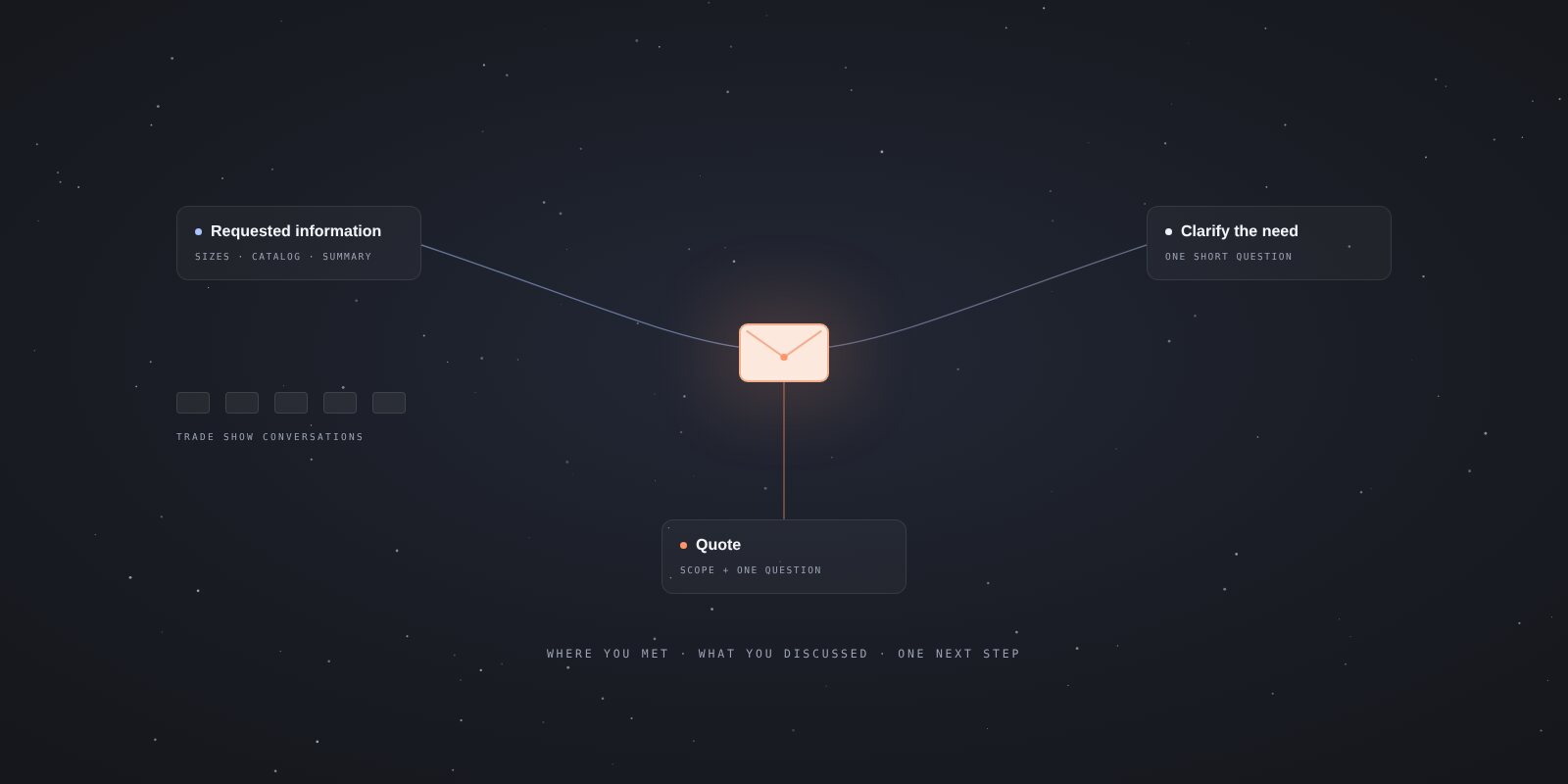
Post-trade-show email examples: thanks, quotes and follow-ups
Follow up on trade show conversations with a useful next step. Find short examples for requested information, quotes and a final reminder.
-
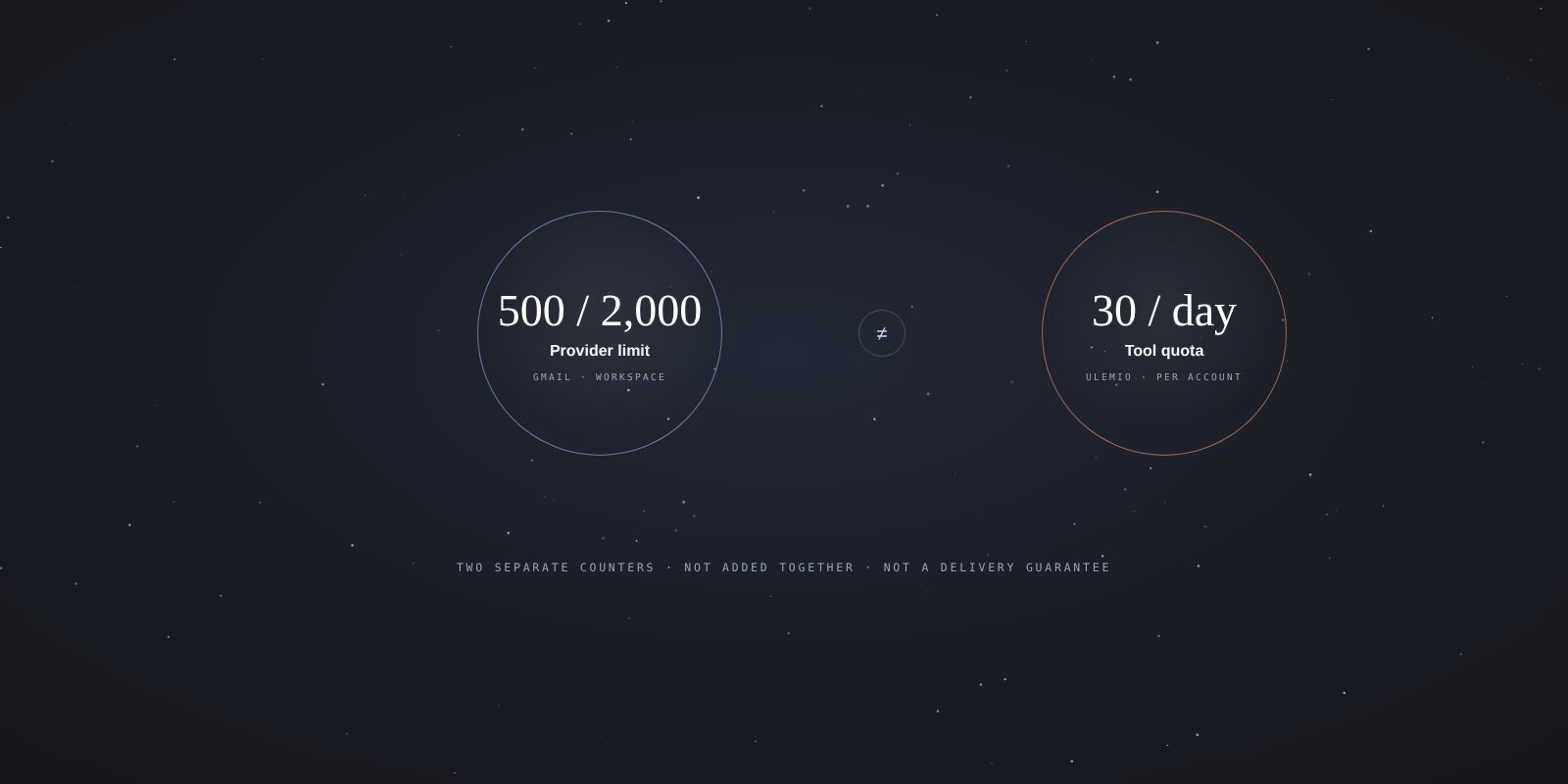
Gmail daily sending limits: 500, 2,000 and your tool’s quota
Understand personal Gmail, Workspace and mail merge limits. Find out what to check after a limit error and how uLemio’s separate quota works.
-
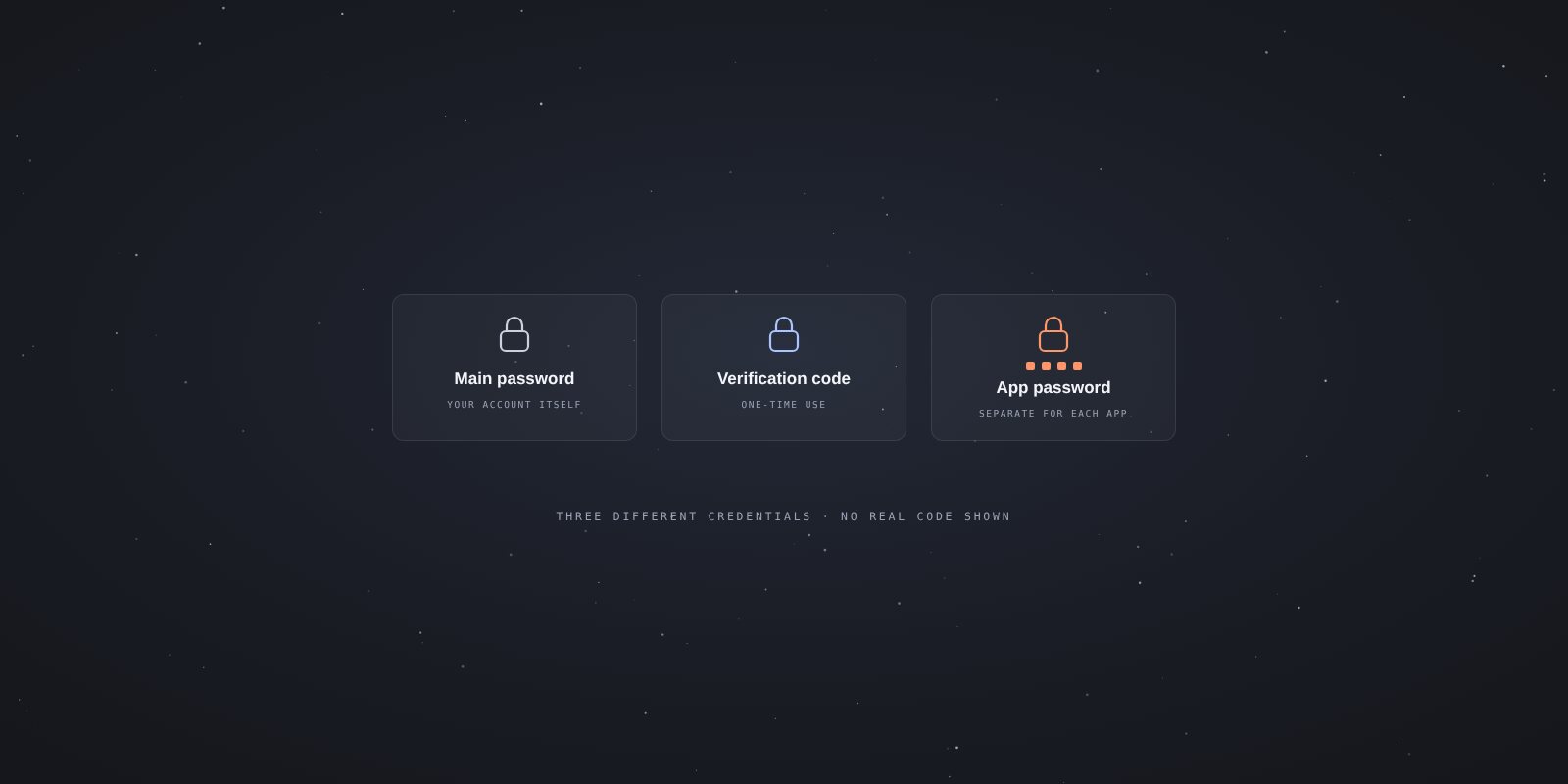
How to create a Gmail app password, and why the option may be missing
Learn what a Gmail app password is, check account eligibility and troubleshoot a connection without sharing your main Google password.
-
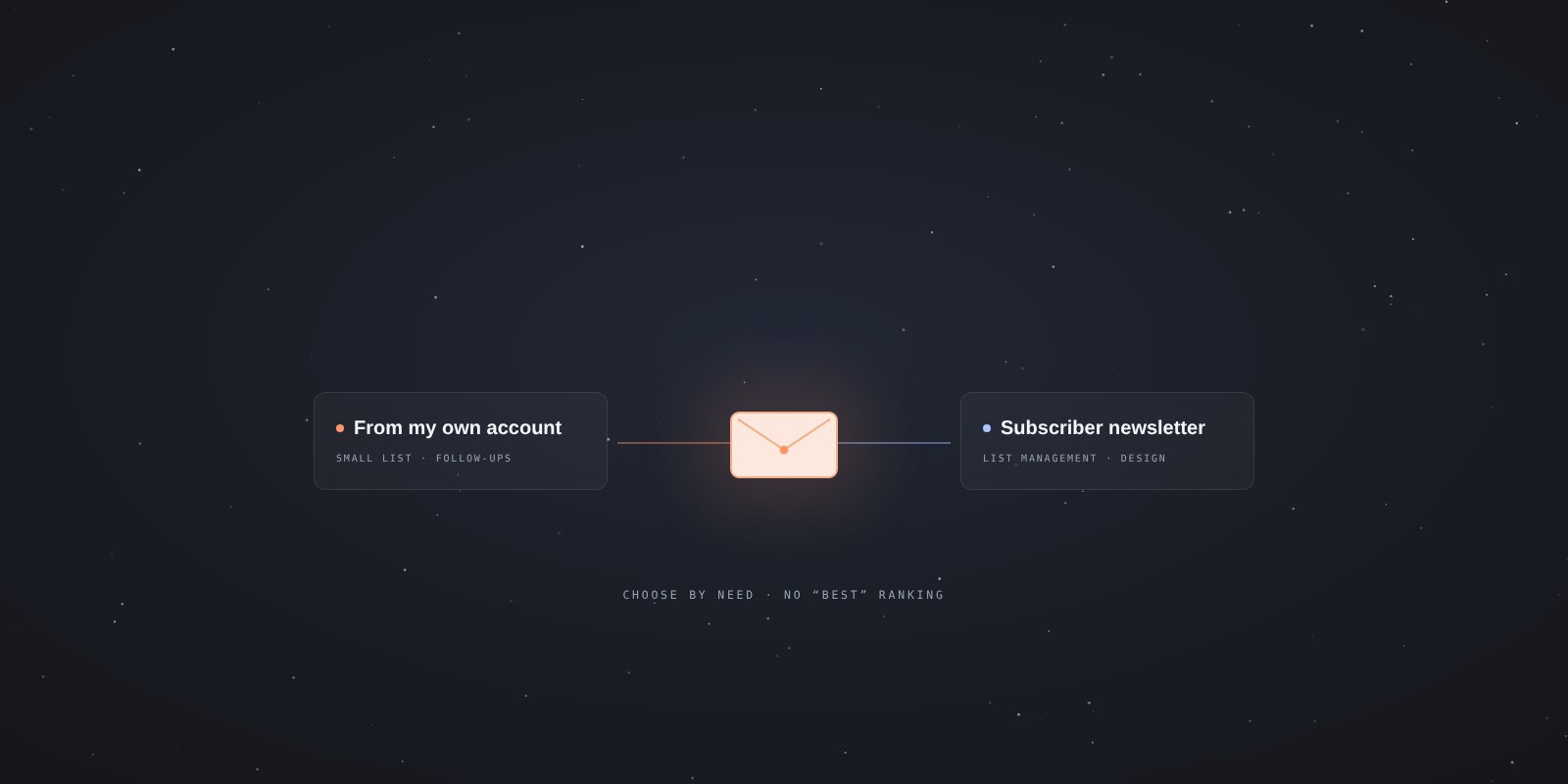
Free bulk email tools: a small contact list or a newsletter?
Compare uLemio, Hunter, Brevo, MailerLite and Gmail by what you need to send. Understand free plans, pilot access, trials and different quota types.
02·Choose by task
Get ready to send
Write your message
Follow up on replies
Check a problem
Delivery and technical checks
03·Related blog posts
At their original URLs- How to Prevent Your Emails from Going to Spam — A Complete Guide Why are your emails landing in spam? Blacklist checks, domain reputation, email warmup, SPF/DKIM/DMARC setup — fix your email deliverability in 6 steps.
- Personalized Bulk Email Sending with Custom Images — Lemlist Guide How to send personalized bulk emails with custom photos using Lemlist? CSV list creation, variable mapping, and personalized email campaigns — step by step.
- How to Find Anyone's Email Address — Complete Guide Finding a relevant person for business contact. An address being available does not establish permission for every purpose; checking permission and purpose remains your responsibility.
- SPF, DKIM and DMARC checker Check your domain’s DNS records. A green result alone is not evidence of delivery.
- Email content checker Review your message before sending. The result does not predict inbox placement.
04·uLemio
When your list and message are ready
If you use Gmail, Google Workspace, Yandex or a supported SMTP/IMAP account, you can prepare your list, message and optional follow-ups in uLemio. Outlook.com, Hotmail and Microsoft 365 email accounts are not currently supported.
The first 100 accounts joining the pilot are free and stay free. No credit card required.